Business and AI automation · Inverness and the Highlands
AI and business automation for Inverness and Highland teams
Highland businesses often run with dispersed teams, seasonal peaks and customers who need regular updates, while information sits across phone, email and spreadsheets. Automation connects the tools you already use so the repeated admin looks after itself, with AI added for the reading and drafting where it genuinely helps. Porthline works from near Nairn across Inverness and the Highlands, in person where that helps and remotely where it does not.
In short
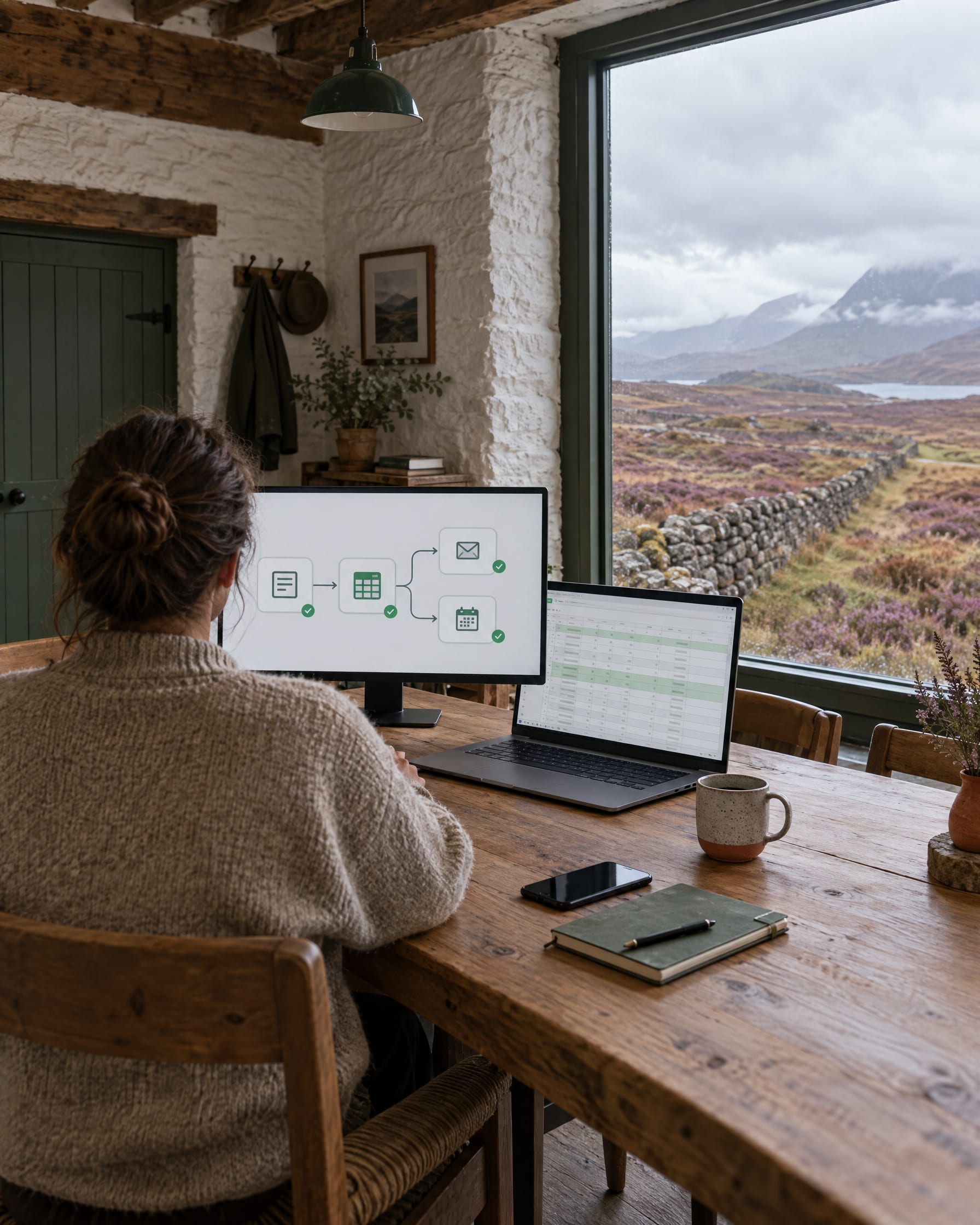
For Inverness and Highland teams, business automation means connecting forms, email, spreadsheets, CRM, bookings and customer follow-up so repeated admin happens on its own. Deterministic rules do the routine work reliably; AI is added only where reading, sorting or drafting language helps; and people stay in control of anything that matters. Porthline Digital delivers this from near Nairn, across Inverness and the Scottish Highlands.
Built around Highland operating realities
A team spread across sites, a busy season that arrives all at once, customers who expect to know where things stand, and a couple of spreadsheets holding it together. None of that is unusual, and all of it is exactly where automation helps: it takes the predictable, repeated steps off people so the same work does not depend on someone remembering it on a hectic day.
Six practical examples
Website form to CRM
An enquiry from the site lands in your CRM as a record ready to action, not a line in an inbox.
Booking confirmations and reminders
A request turns into a confirmation, a reminder before the day, and a prompt afterwards.
Document collection
Ask for the right files, chase what is missing, and file everything against the right job.
Quote follow-up
Unanswered quotes are chased on a schedule so fewer of them quietly go cold.
Staff task and notification routing
The right person is alerted the moment something needs them, wherever they are working.
Management reporting
The weekly numbers pulled together for you instead of rebuilt by hand each Monday.
Rules first, AI where it helps, a person where it matters
The same three-part shape applies whether the work is a hire desk on the islands, a trades business in Inverness or an estate office in Nairnshire.
What runs on rules
Moving an enquiry into the CRM, sending a confirmation, chasing an unanswered quote, filing a document against the right job, pulling the weekly numbers together. Given this input, do exactly that, the same way every time. This is most of the value, and it is the cheapest and steadiest part to run.
Where AI assists
Only where something has to be read or written: sorting enquiries by type, pulling the fields out of a form or a PDF, summarising a long thread, classifying a document, drafting a reply in your tone for someone to check. The AI does the language; a rule decides what happens next.
Approvals, and what happens when it fails
Anything that reaches a customer, commits you to something or carries risk is drafted and held for a person to approve, not sent. When a case does not fit the pattern, it is flagged for someone rather than guessed at, and every run is logged so you can see what came in and what went out. Once live it is monitored, so a problem surfaces quickly.
What not to automate
Judgement calls, sensitive messages and anything that should always be seen by a person before it goes out. And never a broken process: fix it first, then automate the good version. The aim is to remove the busywork, not the human where the human matters.
Read more on each half
The rule-based work is set out on the business automation page. Where AI fits, and the difference between an assistant, a workflow and an agent, is on the AI and automation page. Two short guides help you pick a first process: the best automations to start with and how AI can reduce admin.
From discovery to monitoring
We start with one process and map exactly how it runs today. I build the automation, test it against real cases including the awkward ones, agree what happens when something does not fit, then keep it monitored once it is live. Starting with a single process keeps it quick to prove and easy to judge before extending.
It suits hire and rental, tourism and accommodation, construction and trades, and professional services, among others. Where a workflow needs its own logins and screens, it often becomes custom business software or a portal for a Highland business. The live example of that is the Adventra customer portal, a request-and-approval system with automated status emails built in; it is a portal with rule-based automation inside it, not an AI deployment. If you are not sure which process to start with, the Workflow & Systems Review answers that first.
The two sides of this
This page is about how automation lands for Highland teams specifically. The full service pages cover the two halves of the work: rules connecting the tools you already use, and AI for the reading, sorting and drafting.
Highland automation FAQs
Which process would you hand over first?
Tell me about one repetitive process, how it runs today and which tools it touches, and I will map the version worth automating, and the parts best left to a person.