Case study · Custom portal · Vehicle rental
How Adventra replaced hire-request emails with one customer portal
A secure booking request portal built to replace commercial hire requests across email, phone and spreadsheets, giving customers and staff one place to manage the process.
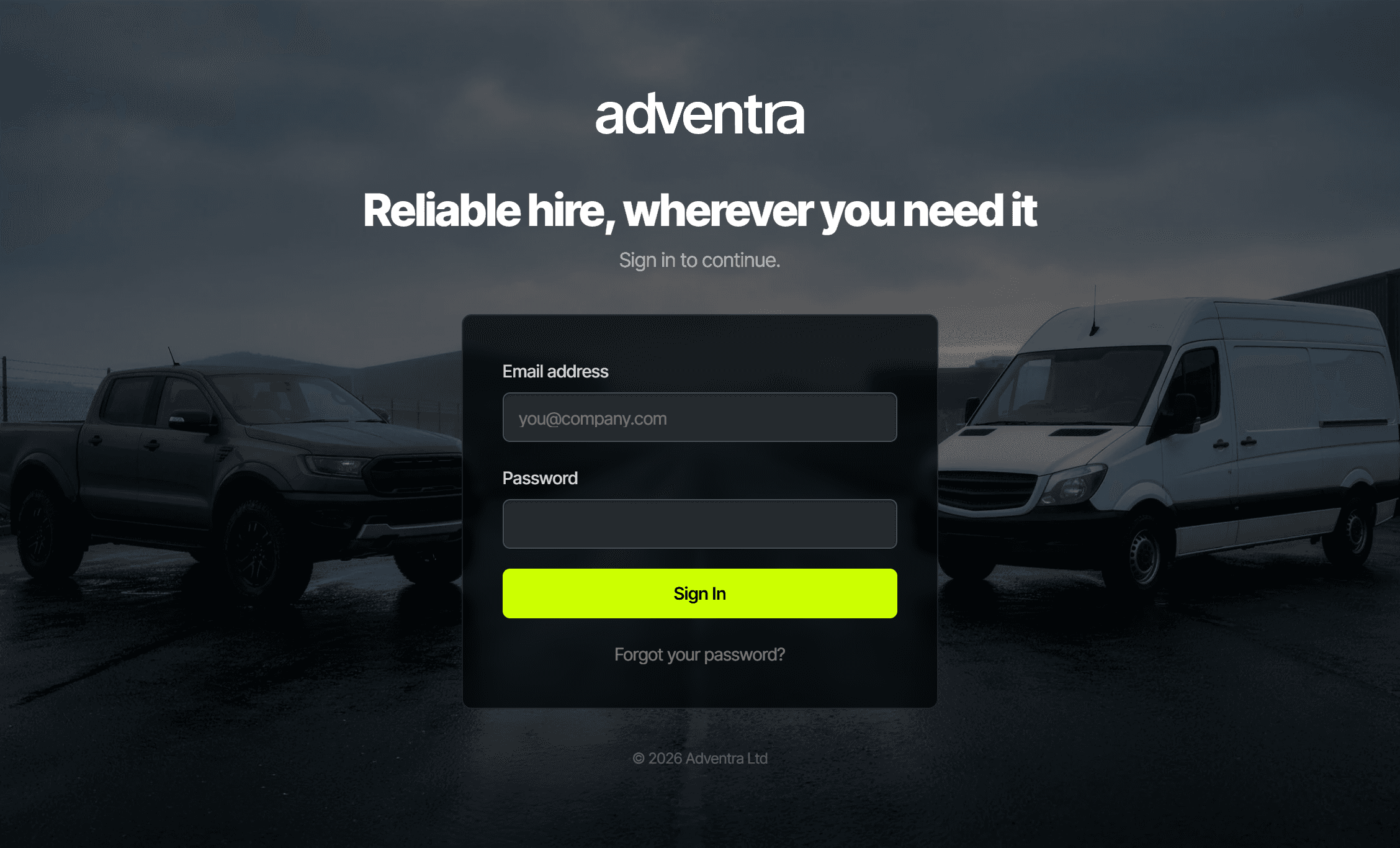
The Adventra portal sign-in, where staff and customers log in.
What was built?
Porthline Digital built a custom hire booking portal for Adventra, a vehicle rental company. The portal allows commercial customers to submit hire requests, upload information and track progress, while staff can review, accept, decline and manage each request from an admin dashboard.
The portal is a private, login-only system, so it is shown here in screenshots rather than linked. It is separate from Adventra’s public website, which Porthline also built and which is live to visit; see the Work page for that entry.
The problem
Bookings were living in inboxes and spreadsheets
Commercial hire requests were arriving through email, phone calls and internal notes. Staff had to track each request manually, check what had been agreed, update customers and keep spreadsheets in sync.
As the account side of the business grew, this created a higher risk of missed updates, duplicated admin and slow customer communication.
The solution
One portal, start to finish
I designed and built a custom booking request portal with two sides: a customer-facing request form and a staff admin dashboard.
Customers can submit hire details and supporting information in one place. Staff can review each request, add internal notes, update the status and keep customers informed through automated email updates.
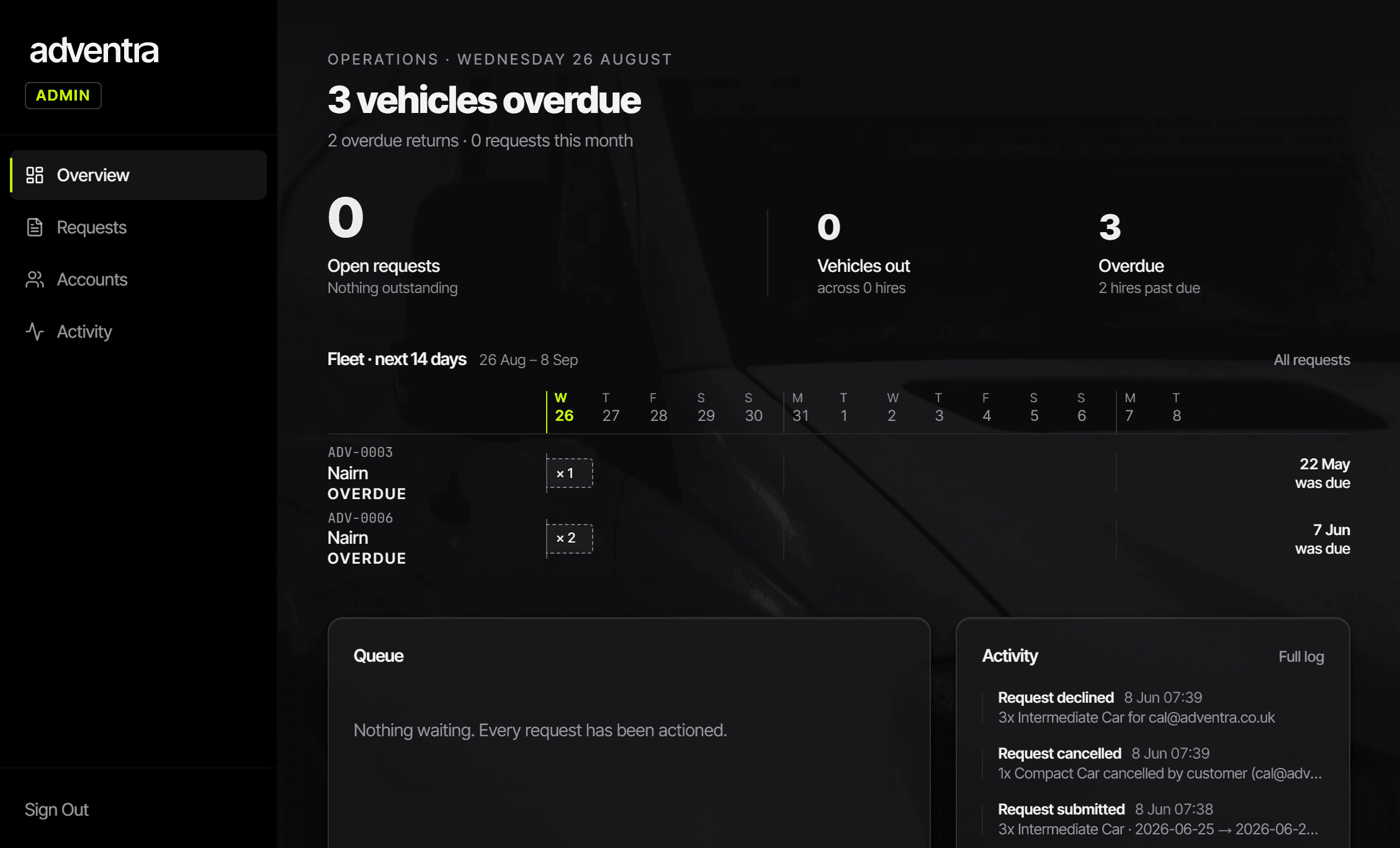
Adventra admin dashboard, live since launch
Everything staff need, on one screen
The admin dashboard opens on a live overview: open requests awaiting a reply, recent activity across the account, and the numbers that matter at a glance.
From here staff can jump straight into any request, see its current status, and act on it, without digging through an inbox.
And a clear view for customers too
Commercial customers get their own dashboard: a welcome overview with their active hires, what is due back, and every request they have made, each with its current status.
They submit a new request in a couple of clicks and can check where it is up to any time, without having to email and wait for a reply.
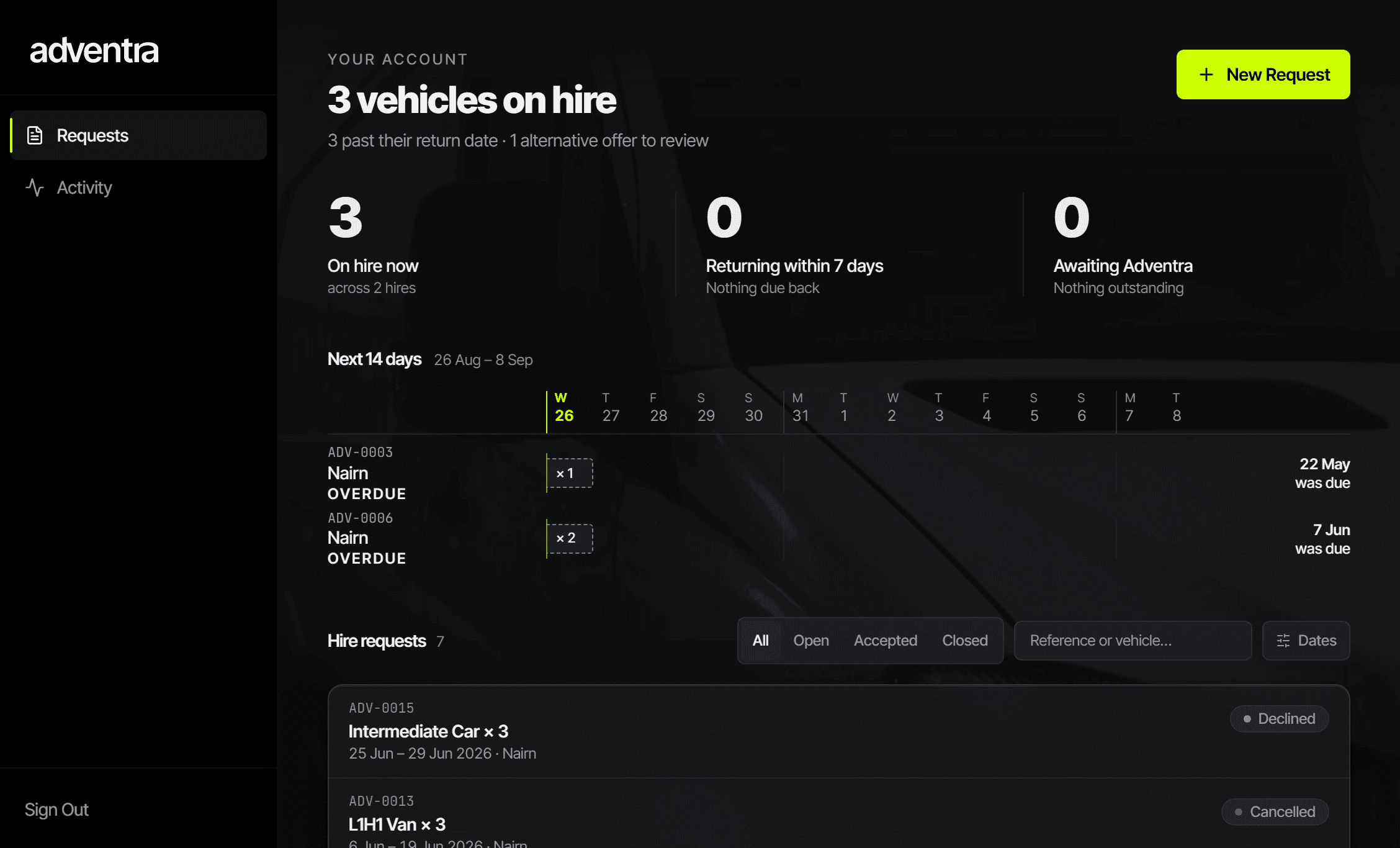
Customer dashboard, the view account clients log in to
How a request flows
From enquiry to confirmed, in one place
Step one
Customer submits
A commercial customer logs in and sends a hire request with the details, and any documents attached.
Step two
Staff respond
Adventra review it in the admin dashboard and accept, decline, or offer an alternative, with internal notes kept against the request.
Step three
Everyone is kept in the loop
Automated emails confirm each change, so the customer always knows where things stand and staff never have to chase.
Under the hood
Built on a solid foundation
The portal is built on a modern, secure and well-supported foundation, the same kind of technology behind apps people use every day.
That means customer data is kept safe, pages load quickly, and the whole thing is cheap to run and straightforward to maintain over time, so it keeps working reliably long after launch.
The results
One system for commercial hire requests
The portal replaced a mix of email threads and spreadsheets with one system both staff and customers work from, and it has been in daily use since launch.
One place
Staff no longer need to rely on scattered emails, spreadsheets and manual updates to understand where a request stands.
Clearer customer communication
Customers can submit the right information upfront and receive updates as the request moves through the process.
Less manual admin
Automated status updates and internal notes reduce the amount of chasing needed between customers and staff.
Built to grow
The portal can be extended around Adventra's workflow as the business changes.
Ongoing and future
Supported, and built to extend
The portal has been in daily use since launch and is supported on an ongoing basis. As Adventra's workflow changes, it can be extended around it.
Areas such as deeper integrations and additional reporting are possible future work rather than delivered features. They are only described here as options, not as claims about what is already live.
Case study FAQs
Need a custom portal like this?
If your team is managing requests, bookings, documents or customer updates through email and spreadsheets, a custom portal could give everyone one place to work from.