Portals & internal tools
Custom portals and business software that replace inboxes and spreadsheets
When requests, documents, bookings and updates are spread across email, phone calls and spreadsheets, both customers and staff spend time asking what has happened next. A Porthline portal gives the right people one secure place to submit information, see progress and manage work, built around your actual process.
In short
Porthline builds custom business software: secure customer and staff portals, and internal tools, written around one business's own workflow. A custom portal is a private web app your customers or staff log into to do one job well: submit requests, track progress, upload documents or see updates. Unlike off-the-shelf software, it is built around your exact process, which is why it can replace the spreadsheet-and-inbox setup a growing business outgrows. Built near Nairn, for organisations across the Highlands and the UK.
Portal, internal tool or custom business software?
People arrive here using all three phrases. They are not competing options; they are one thing and the two shapes it usually takes.
Custom business software
The umbrella term: software written for one business around its own process, rather than a generic product everyone adapts to. Everything on this page is custom business software; the two shapes below are the forms it usually takes.
Customer, staff or supplier portal
A private, login-based system where people outside your team, or a mix of customers and staff, submit and track things: requests, bookings, documents, updates. The Adventra portal is one of these.
Internal tool
A smaller, staff-only app for one job: a dashboard, a job tracker, a data-capture form, an admin panel. No customer logins, so it is usually simpler and starts lower than a portal.
Signs a portal is worth it
A portal earns its place when the same process runs over and over and the admin around it is adding up. If several of these sound familiar, it is usually worth costing.
- The same request comes in over and over by email, phone and form.
- A spreadsheet has quietly become the system, and losing it would hurt.
- Customers keep asking for updates your team has to look up by hand.
- Documents arrive scattered across inboxes with no clear history.
- Staff copy the same details between tools several times a day.
- Off-the-shelf tools nearly fit, but force awkward workarounds.
The kinds of portal I build
Customer request portals
A private login where customers submit and track requests, and see where each one stands.
Staff dashboards
One working screen for the team to review, action and manage incoming work.
Booking and hire portals
Structured requests, availability and confirmations in one flow instead of email tennis.
Document portals
Collect files against a record, with a clear history of what arrived and when.
Supplier portals
Give partners a controlled way to submit and update information without email chains.
Reporting dashboards
Turn the data you already hold into numbers the team can act on.
Some teams need something smaller and more specific than a full portal. That is usually an internal tool, and it is scoped on its own rather than from the portal starting point. Not sure whether to build at all? Read custom portal vs off-the-shelf software or how much a custom portal costs.
Proven in production · Adventra
One portal for commercial hire requests
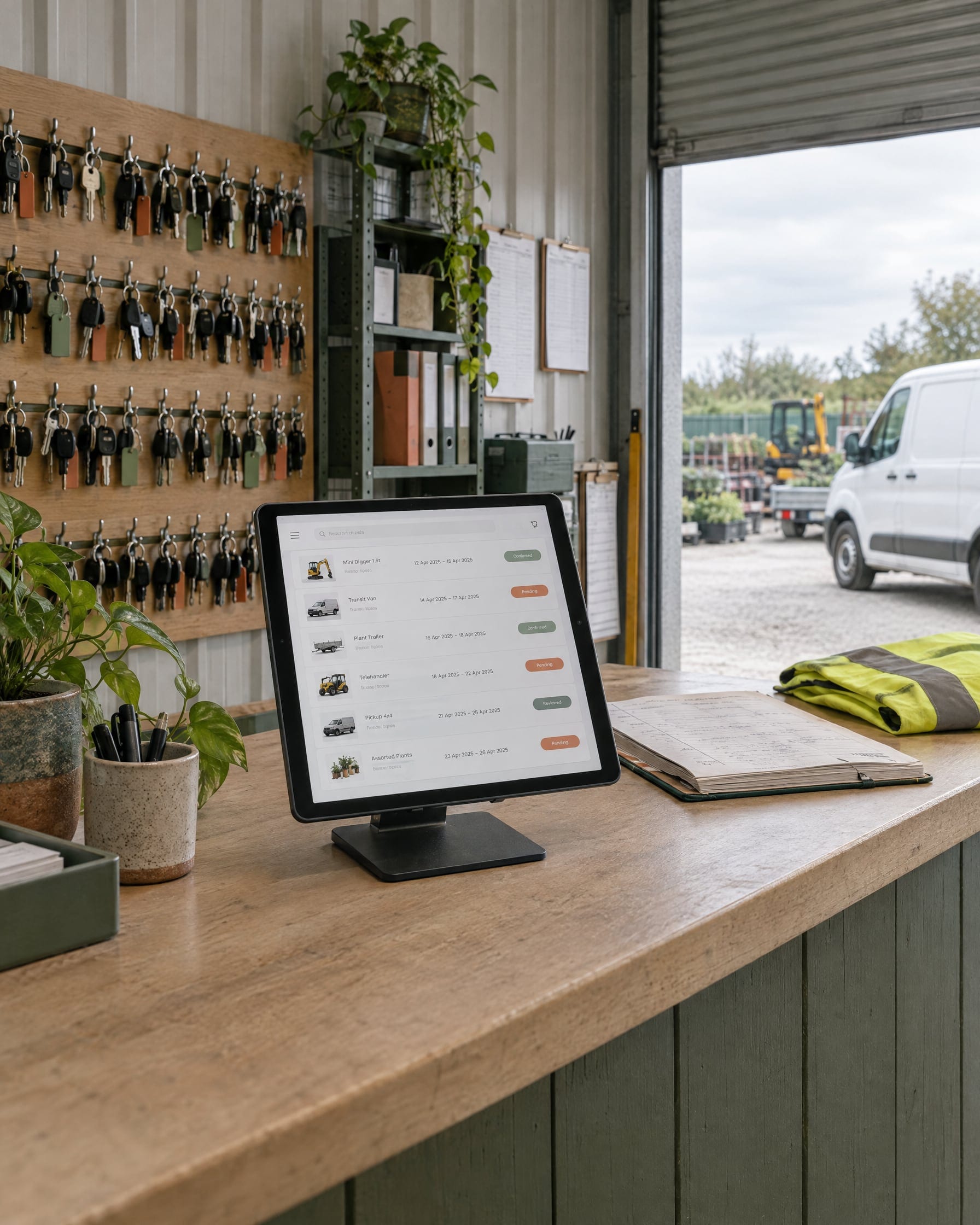
Adventra's commercial hire requests were spread across email, phone and spreadsheets. Porthline built a secure portal where customers submit requests and track them, and staff review, respond and keep everyone updated from one admin dashboard. It has been in daily use since launch.
Read the Adventra portal case study →Custom versus off the shelf
Off-the-shelf software wins when your process is standard and a tool fits most of it. Custom wins when the tools nearly fit but force workarounds, when your process is genuinely specific, or when the manual effort around the software is costing real time.
Often the honest answer is off-the-shelf, and I will tell you so. Portal vs off-the-shelf →
Security, roles and history
Portals are built on a modern, secure and well-supported foundation. Each person logs in and sees only what their role should. Staff roles can carry different permissions, and a clear history records what changed and when, so there is an audit trail rather than a guess. I describe only what a given build actually does, and do not imply certifications that are not held.
How a portal gets built
Map the workflow
We walk through how the process runs today and where it slows down.
Prototype
I turn it into a clear plan and a working prototype: screens, users, statuses and integrations.
Build and test
I build it, test it against real cases and adjust before it goes anywhere near live.
Launch and support
It goes live, and I stay on to refine and extend it as the business changes.
Based in the Highlands? See custom portals for Inverness and Highland businesses.
Custom portal FAQs
Focused custom portals start from £6,000
One defined workflow for one group of users, with secure logins, roles and permissions, and proper testing before launch. More user types, more screens and rules, integrations and stricter security move the price up; larger multi-team systems are scoped separately. The final price is agreed in writing before any build begins.
A smaller internal tool or dashboard without logins and roles is scoped on its own and can start lower. Hosting and ongoing portal support are agreed separately from the build. Third-party services you use alongside the build, such as a booking system, CRM, email or AI usage and your domain, are your own subscriptions and are separate from these figures.
Managing repeat requests by hand?
If your team runs requests, bookings, documents or customer updates through email and spreadsheets, a custom portal could give everyone one place to work from. Tell me about the process and I will map the most proportionate version.