For UK hire and rental firms
Automation for hire and rental desks
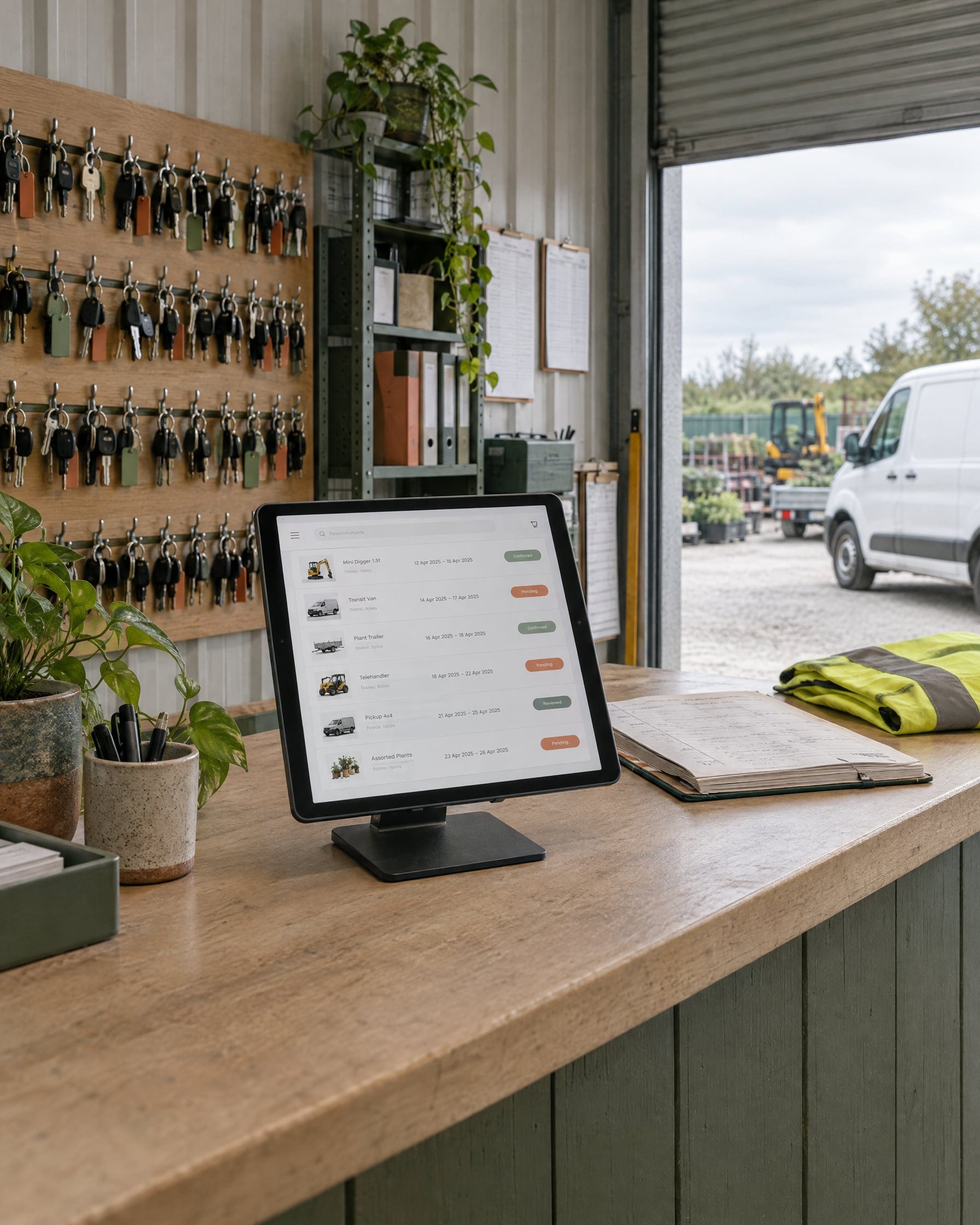
Car, van, plant, equipment or mixed fleet, the desk takes the same pressure: enquiries, quotes, changes and admin all at once. I build an assistant that works alongside your staff and the booking system you already run, and I keep adding to what it does.
In short
It drafts replies to rental enquiries and works alongside your staff. Staff can review drafts, respond to the assistant and provide decisions or business facts through their staff channel, and it applies those decisions to future drafts. The current automation handles enquiry drafting and staff workflows. Upsell, wider fleet management and PCN handling are in development, with amendments, follow-ups and more rental admin on the roadmap. In the current drafts-only setup, nothing goes to a customer without your staff.
Where the desk's time goes
Most of a hire desk's day is the same work in a different order: answering availability questions, pricing hires, chasing details, handling changes and keeping on top of fleet paperwork. That is the work I take on first, so your staff spend their time on the customers and decisions that need them.
What it does today
All six are running in the same system at one UK hire firm.
Live
Drafts replies to rental enquiries
Replies are drafted with the hire details filled in, ready for your staff to check, edit and send. It works alongside your team.
Live
Works with your staff through their channel
Staff can review drafts, respond to the assistant and provide decisions or business facts through their staff channel.
Live
Applies staff decisions to future drafts
It uses staff-confirmed answers and decisions to inform later drafts, so replies follow the way your desk already works.
Live
Quotes from your rate card and availability
Draft quotes work from your own prices and what is actually free, so staff check a quote rather than build one.
Live on ProHire
Live
Sorts the bookings mailbox
New mail is read and sorted, so enquiries, changes and admin do not sit in one pile.
Live
Flags what needs a person
When something needs a human decision, your staff are told instead of it waiting in the inbox.
Running with a UK hire firm since October 2026.
Your staff stay in charge
Drafts wait for someone to check and send. When it needs a decision or a fact it does not have, your team answers through their staff channel, and later drafts use what they confirmed. Every part can be switched on or off.
Being added as it develops
The current automation handles enquiry drafting and staff workflows. Upsell, wider fleet management and PCN handling are in development, with amendments, follow-ups and more rental admin on the roadmap.
In development
Upsell suggestions
Relevant extras and upgrades suggested in drafts, for your staff to offer.
In development
Wider fleet management
Fleet questions and fleet admin answered and tracked from your own records.
In development
PCN handling
Matching each penalty charge notice to the right hire and preparing the transfer and admin fee steps for staff, where your system allows it.
On the roadmap
Amendments and extensions
Date changes, extensions and other booking amendments drafted for staff to confirm.
On the roadmap
Follow-ups
Open quotes and missing details chased, so enquiries do not go cold.
On the roadmap
More rental admin
The repetitive desk admin your staff would rather not do, taken on one job at a time.
If one of these matters most to your desk, tell me. It helps decide what I build next.
Built around the system you already run
Built to work alongside the booking system you already run. Live today on ProHire. If you run something else, talk to me and I'll check what it allows.
Works with Google Workspace and Outlook or Microsoft 365 through the relevant mailbox integration.
See the ProHire build →The website and software around it
The desk is one part of the business, and I build the rest too: a website that brings the enquiries in, a custom portal for customers or staff, and business automation for the work around the desk.
How to start
Start with a short call about how your desk works. I'll look at your mailbox, your booking system and where the time goes, then tell you plainly what I'd build first. I agree pricing after seeing how your desk works: a setup fee, then a monthly fee.
I have years of hands-on experience with ProHire, and you deal with me directly.
Questions hire desks ask
Tell me how your desk works
Start with a short call. I'll look at how your desk runs and tell you plainly what I'd build first.